
 By
By 
“Please check accessibility.”
Jonathan Thirlwell types four words into Codex.
The AI opens a set of custom accessibility instructions he has created, examines the website code and starts comparing it with the standards Kent needs to meet. Instead of returning a list of unexplained warnings, it identifies the affected code, relates each problem to the relevant guidance and suggests what the development team can do next.
A task that could involve moving between several testing tools, searching for explanations and tracing each problem through the code now begins with one straightforward request pulling in a ChatGPT Skill.
The UX team’s accessibility challenges
Kent’s websites need to meet the Web Content Accessibility Guidelines (WCAG) at level AA, as well as the University’s own accessibility policies. These standards help make websites usable by as many people as possible, including disabled people.
Automated checking tools such as Lighthouse can help developers spot accessibility problems. But the results are not always straightforward. A failed check may tell the team that something is wrong without showing exactly where the problem is, which accessibility rule applies or how the code should be fixed.
Checking and fixing these issues is essential, but it can also be repetitive and time-consuming. Changes within the team had left fewer people available to follow up accessibility issues, increasing the risk that routine checks could be missed.
The UX team also faced a much larger technical challenge. Site Editor, the system used to build parts of Kent’s website, had been created around a decade earlier. Over time, limited maintenance meant that both its code and the other software it relied on – known as software dependencies – had become increasingly outdated.
The team could keep Site Editor running, but making significant improvements had become difficult. Rebuilding it from scratch, bringing in a contractor or rewriting the system in a more conventional way could have taken months and required substantial investment. There was also a risk that a project of that size would never be approved.
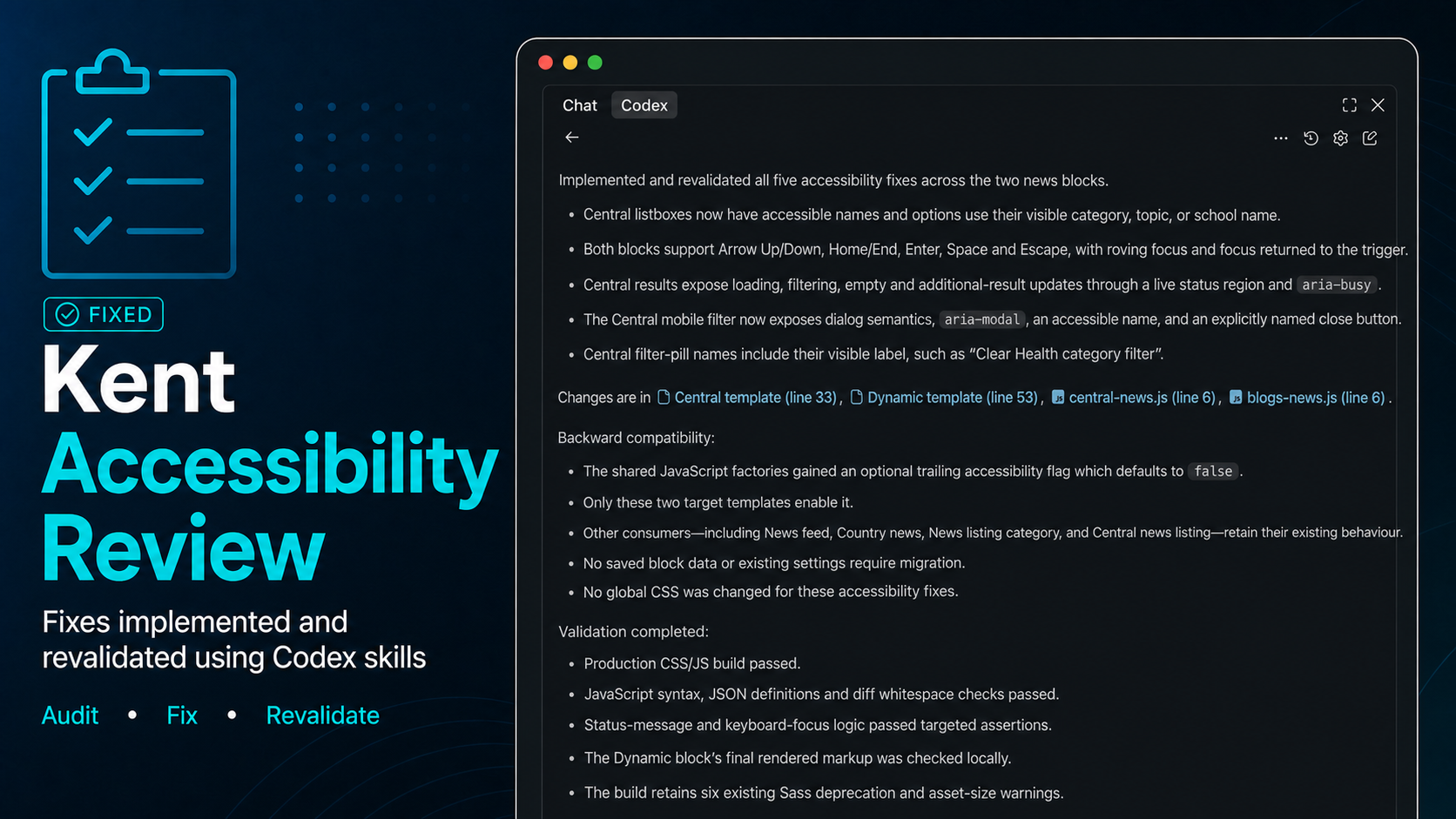
Building a reusable accessibility skill in Codex
Jonathan began by working with Codex to create a reusable accessibility skill: a package of instructions that tells the AI what to examine and how to report its findings.
Rather than attempting to write those instructions alone, he asked Codex to question him about the team’s requirements. His answers helped shape a skill covering areas such as web content, multimedia and documents, alongside Kent’s policies and the relevant WCAG standards.
Now, when Jonathan asks Codex to check accessibility, it can:
- run established automated checks such as Lighthouse;
- examine the relevant website code;
- identify where a failure occurs;
- connect the problem with the applicable standard;
- explain the finding in practical terms; and
- help the developer work through a possible fix.
Jonathan has also used Codex to build an experimental script that could periodically check a sample of representative webpages and produce a report through Kent’s GitLab development system. At the time of the discussion, this automated process had not yet been deployed or tested in routine use.
The skill supports rather than replaces the team’s expertise. Automated checks cannot confirm every aspect of accessibility, so Kent still needs manual evaluation—including testing by people who use screen readers and other assistive technology.
Taking on a web project that had become too difficult
The team then gave AI a more complex challenge: modernising Site Editor.
Codex helped Matthew understand how different parts of the ageing codebase fitted together, update dependencies, rewrite sections of code and create tests. Instead of needing to understand every part of the system before work could begin, he could ask Codex to investigate a problem, propose a sequence of steps and carry out specific changes for him to review.
Over approximately three or four weeks—not as a continuous full-time project—Matthew and Jonathan produced an upgraded version of a system they believed might otherwise have taken months to modernise, if the work had been attempted at all.
They also began experimenting with new features. Matthew described one substantial addition for which Codex produced the initial groundwork in around 20 minutes. He then spent several days testing, adjusting and refining it until it worked in a way he was happy with.
AI accelerated the first build, but it did not make the design decisions or remove the need for careful development. Matthew and Jonathan still had to judge whether the output was secure, usable and appropriate for Kent.
AI helped the web team spend less time coding and more time improving digital services for users.
Experimenting with AI paid off for the team
AI has also made it easier for the team to try out ideas before committing a lot of time or money. They can build an early version of a feature, test whether it is useful and decide what to do next. If an idea does not work, they can change it or set it aside without losing months of development time.
This has changed how the team approaches difficult work. A complex development task does not always have to become a long project or stay on the wish list. Jonathan and Matthew can build a first version, review it and quickly learn what is possible.
For Jonathan, this has made challenging projects feel more manageable and given him more time to focus on user experience and front-end design.
For Matthew, it has made experimentation easier. The team can spend less time on repetitive coding and more time thinking about what a digital service needs to do for the people using it.
Have you experimented with AI in your work?
For Kent’s web team, using AI helped turn difficult, time-consuming problems into work they could test, improve and move forward.
If you’d like to explore what AI could help with in your own work, contact us by email: AITeam@kent.ac.uk.
This post was drafted based on a conversation transcript with with help from generative AI, then edited, reviewed and developed by a member of the AI@Kent team.